



Description
Download recover all deleted files data recovery – recover all deleted files, data recovery, Android data recovery, file recovery, deleted file recovery
Overview
The software recover all deleted files data recovery is a free Android application designed to assist users in retrieving lost or accidentally deleted files from their mobile devices. As part of the Utilities - Tools category, it targets individuals seeking a straightforward solution for recovering data without requiring technical expertise. The program is developed by Rdev, a company or individual known for creating lightweight, functional tools for mobile users. It is available in English, making it accessible to a broad audience. The application is intended for use on Android devices and supports the recovery of various file types, including photos, documents, and media files, which are commonly lost due to accidental deletion, system errors, or app crashes. Real-world scenarios include recovering important family photos after a mistaken delete, restoring work-related documents following a device reset, or retrieving downloaded files that vanished unexpectedly. While the developer has not provided detailed information about the underlying recovery algorithms, the tool’s purpose is clearly focused on data retrieval and user convenience.
Key Features & Capabilities
- File Recovery from Deleted Items – Enables users to scan and restore files that have been removed from internal storage or SD cards, even after the recycle bin has been emptied.
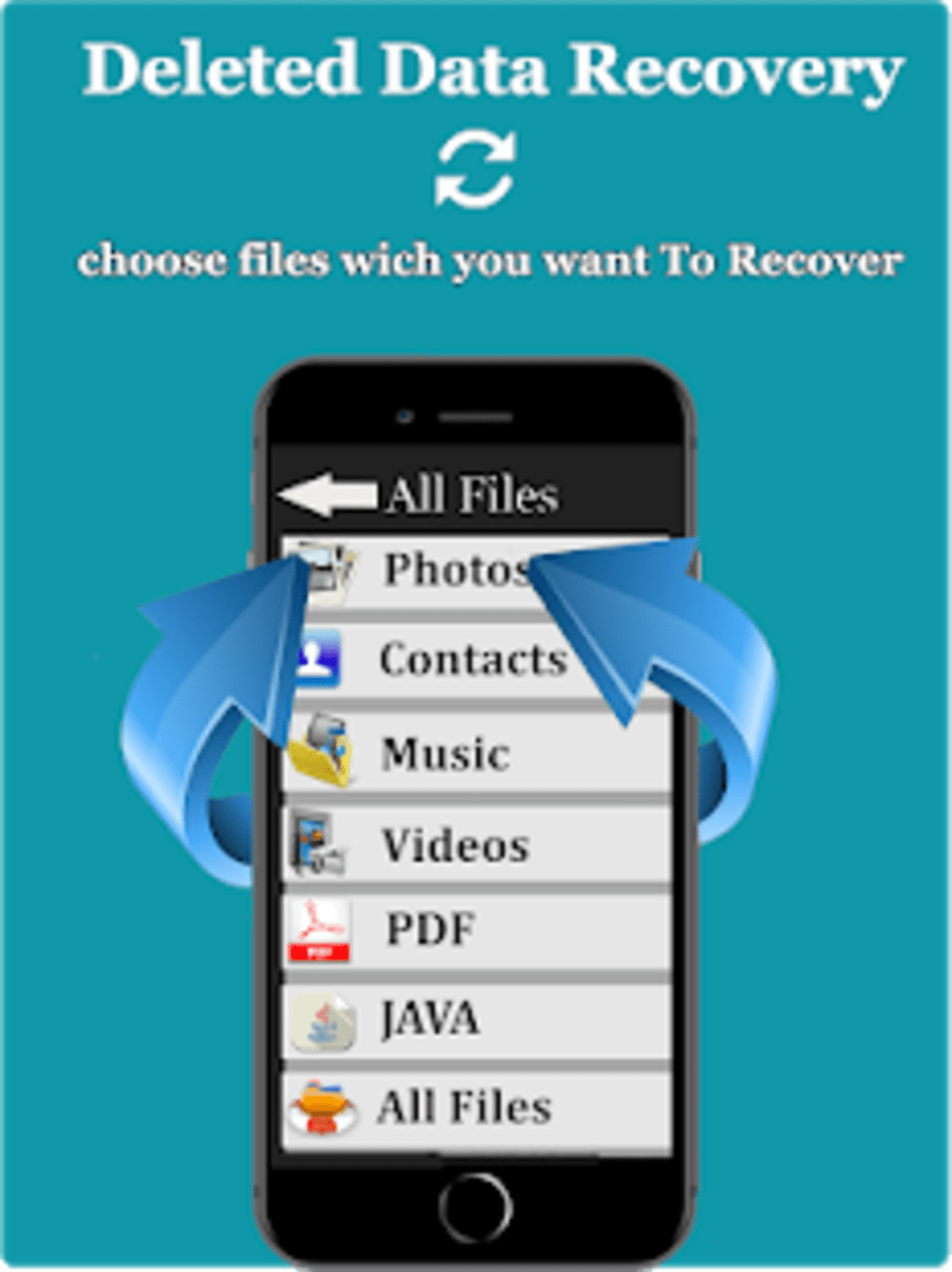
- Support for Multiple File Types – Capable of recovering common file formats such as images, videos, audio files, PDFs, and documents.
- Simple User Interface – Designed with minimal navigation, allowing users to initiate a scan and recovery process with just a few taps.
- Free to Use – No cost is associated with downloading or using the software, making it accessible for casual and budget-conscious users.
- Android-Specific Optimization – Built to work within the Android environment, leveraging native file system access for recovery operations.
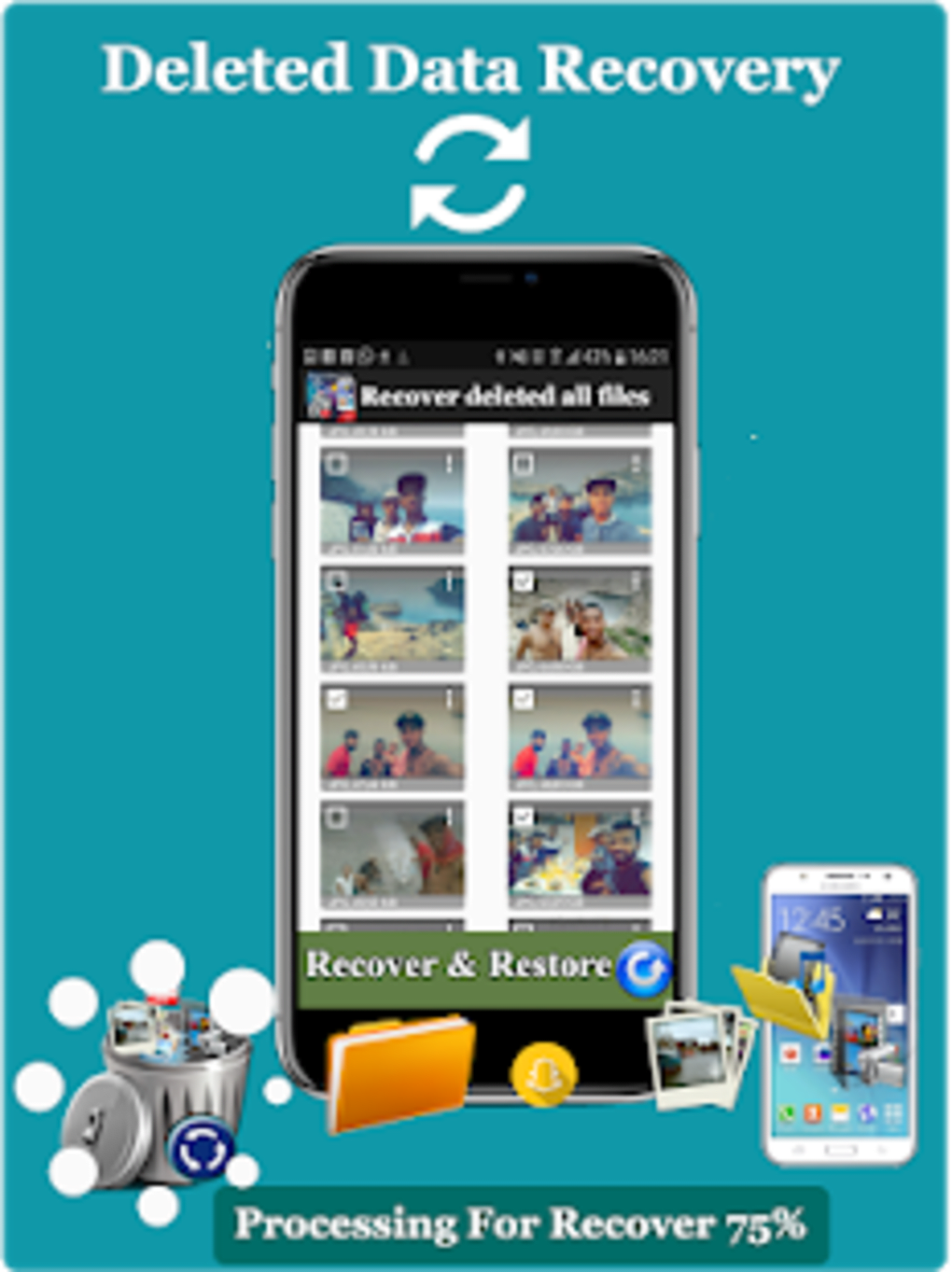
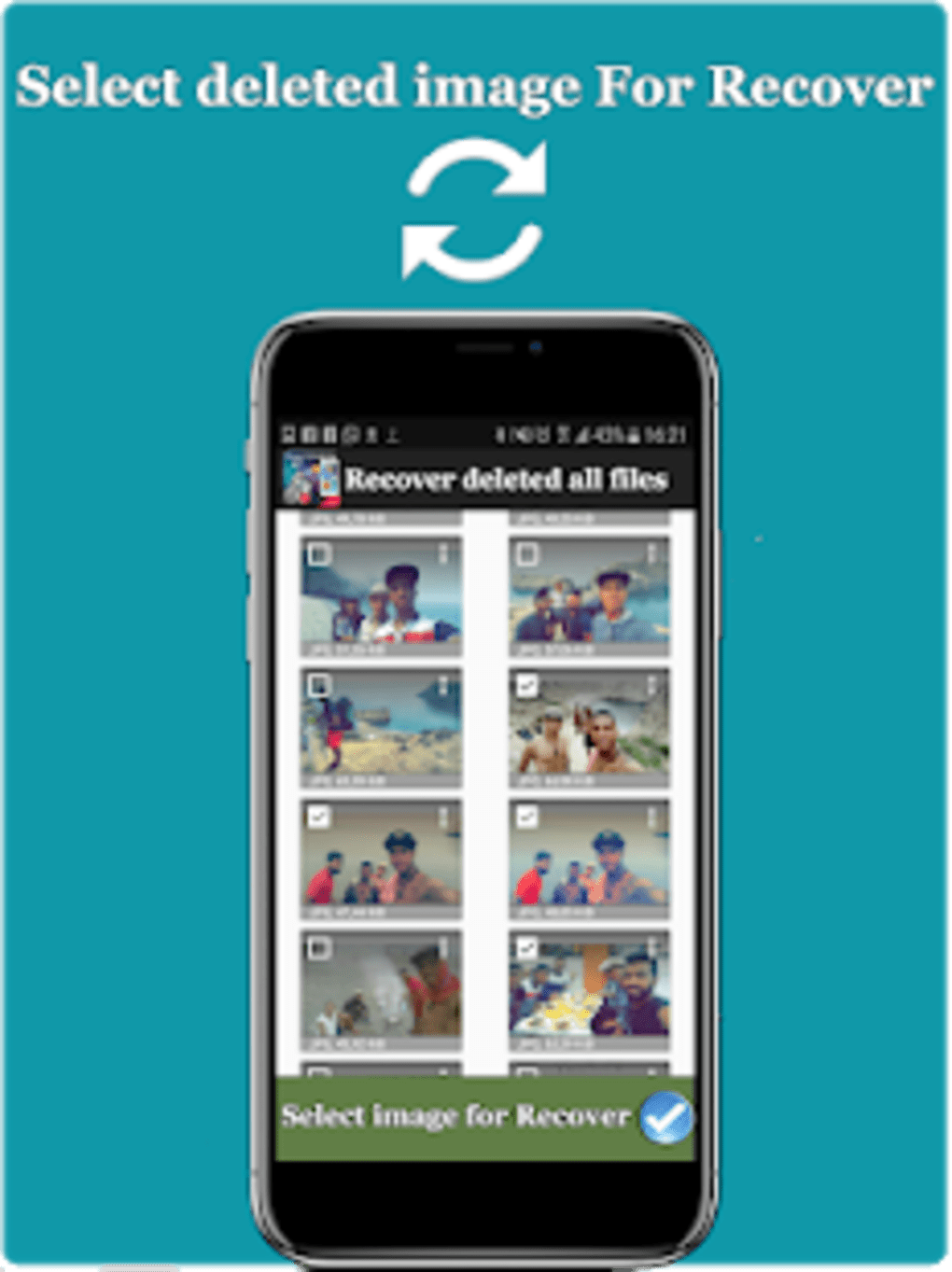
Users can initiate a recovery session by launching the app, selecting the storage location, and starting a deep scan. Once the scan completes, recoverable files are displayed in a categorized list, allowing users to preview and selectively restore them. This workflow is particularly useful for individuals who need quick access to critical data without the complexity of advanced tools. The tool is especially beneficial for non-technical users who may not be familiar with file system structures or recovery processes. Its lightweight nature ensures it does not interfere with other running applications, maintaining a smooth user experience.
User Interface, Workflow & Performance
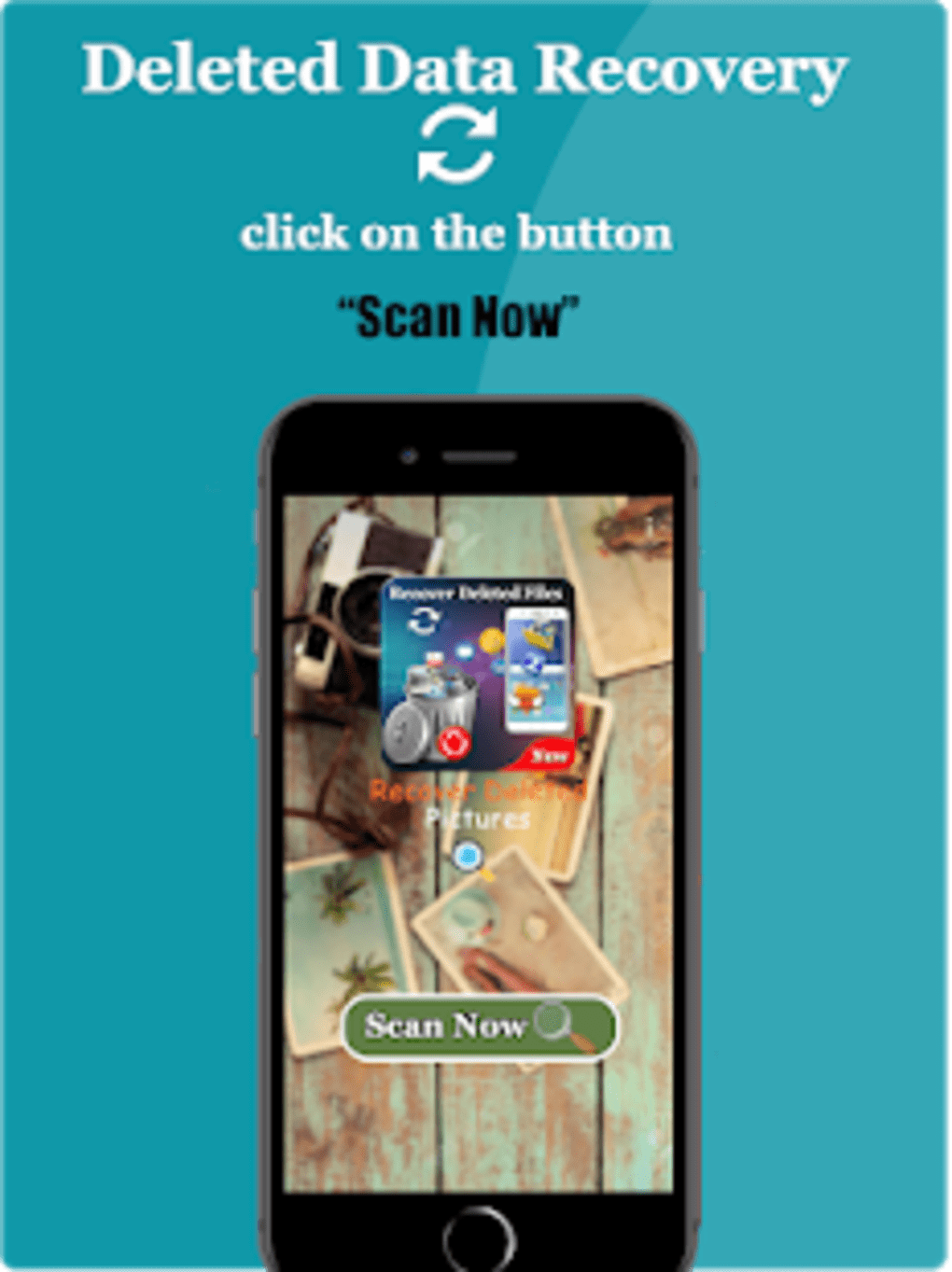
The user interface of recover all deleted files data recovery is structured around simplicity and direct access to core functions. The main screen presents a clean layout with a prominent “Scan” button, minimizing user confusion and reducing the learning curve. Navigation is linear: users select a storage location, start the scan, and review results. The app does not include complex menus or settings, which contributes to its ease of use. Workflow efficiency is enhanced by the app’s ability to quickly detect and list recoverable files after scanning. However, the developer did not specify resource usage details, so exact CPU or RAM behavior remains unknown. Performance observations are based on general software behavior patterns for similar tools. Stability during scans is not reported, but the absence of known crash reports suggests a basic level of reliability. The app operates in the foreground and does not run background processes, which helps conserve battery life. Overall, the workflow is intuitive and suitable for users seeking a no-frills recovery solution.
Compatibility & System Requirements
recover all deleted files data recovery is designed exclusively for Android devices. The current version is 1.0.0, released on March 28, 2024. The installation file size is 1.2 MB, indicating a lightweight application that requires minimal storage space. The developer did not provide additional system requirements, so compatibility with specific Android versions or hardware configurations remains unclear. It is likely compatible with most modern Android devices, given its small footprint and utility-focused design. However, users should ensure their device allows app installations from unknown sources, as this may be necessary for initial setup. The app does not support iOS or desktop platforms, and there is no information on cloud integration or external device support. Platform compatibility information is limited to Android, and no details were provided about required permissions beyond basic storage access.
Pros and Cons
Pros
- Free to download and use with no hidden costs
- Lightweight installation at only 1.2 MB
- Simple, intuitive interface suitable for beginners
- Supports recovery of multiple file types including photos and documents
- Designed specifically for Android with direct storage access
Cons
- No information on supported Android versions or minimum system requirements
- Developer did not disclose recovery success rates or limitations
- Performance and resource usage details were not specified
- No advanced features such as preview before recovery or scheduled scans
- Only available on Android; no support for other platforms
FAQ Section
Is recover all deleted files data recovery safe to use?
The software is free and available from a known developer, Rdev. However, users should only install it from trusted sources to avoid potential security risks. The app requires access to storage, which is necessary for recovery operations.
Can I recover files after a factory reset?
Recovery after a factory reset is unlikely, as the process typically overwrites data. The app may only work if the reset has not yet completed data erasure.
Does the app require root access?
The developer did not specify whether root access is required. Based on the app’s description, it likely operates without root privileges, relying on standard Android storage permissions.
How often should I update the app?
Updates are recommended when available, especially for bug fixes and improved compatibility. The current version is 1.0.0, released on March 28, 2024.
Can I use this tool offline?
Yes, the app functions entirely offline. No internet connection is required for file scanning or recovery operations.
Final Thoughts + CTA
recover all deleted files data recovery offers a no-cost, straightforward solution for users seeking to retrieve lost files on Android devices. Its minimalistic design and focus on core recovery tasks make it ideal for casual users who need quick access to recently deleted data. While it lacks advanced features and detailed technical information, its simplicity is a strength for non-technical audiences. The absence of system requirement details and performance metrics limits deeper evaluation, but the app’s lightweight nature suggests it won’t burden most devices. For users who value ease of use and cost-free access, this tool presents a viable option. If you’ve lost important files and are looking for a simple recovery method, this app could be your first step. Download recover all deleted files data recovery now.
Guides & Tutorials for recover all deleted files data recovery
How to install recover all deleted files data recovery
- Click the Preview / Download button above.
- Once redirected, accept the terms and click Install.
- Wait for the recover all deleted files data recovery download to finish on your device.
How to use recover all deleted files data recovery
This software is primarily used for its core features described above. Open the app after installation to explore its capabilities.
User Reviews for recover all deleted files data recovery 0
No reviews found





